Snap, Read, Track Your Meter
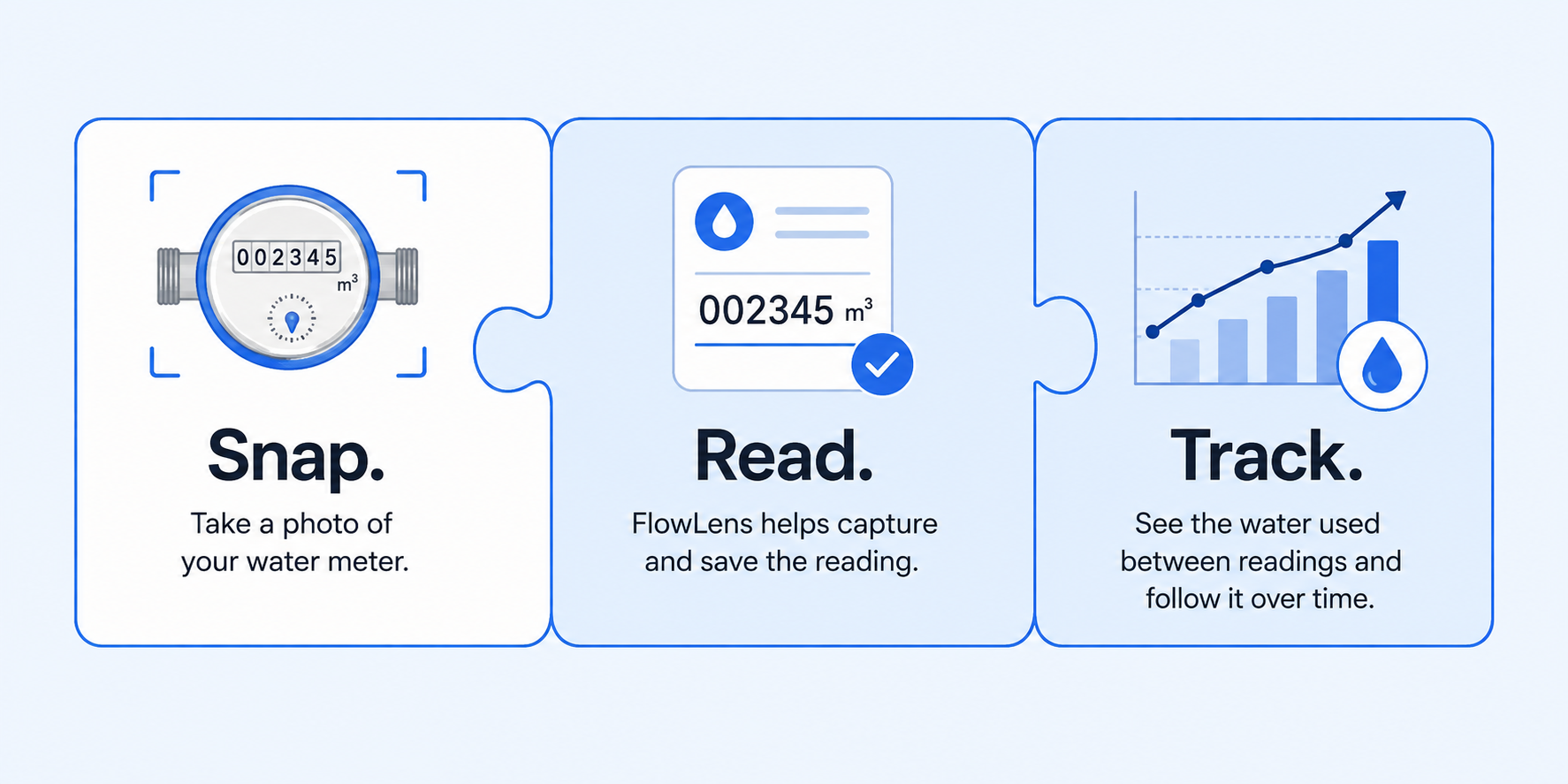
FlowLens takes the guesswork out of reading and reporting your water usage.
- Instant Capture: Snap a photo to log your meter reading in seconds.
- Total Clarity: Monitor your usage and projected costs.
- Zero Surprise Bills: Stay in control of your monthly spend.
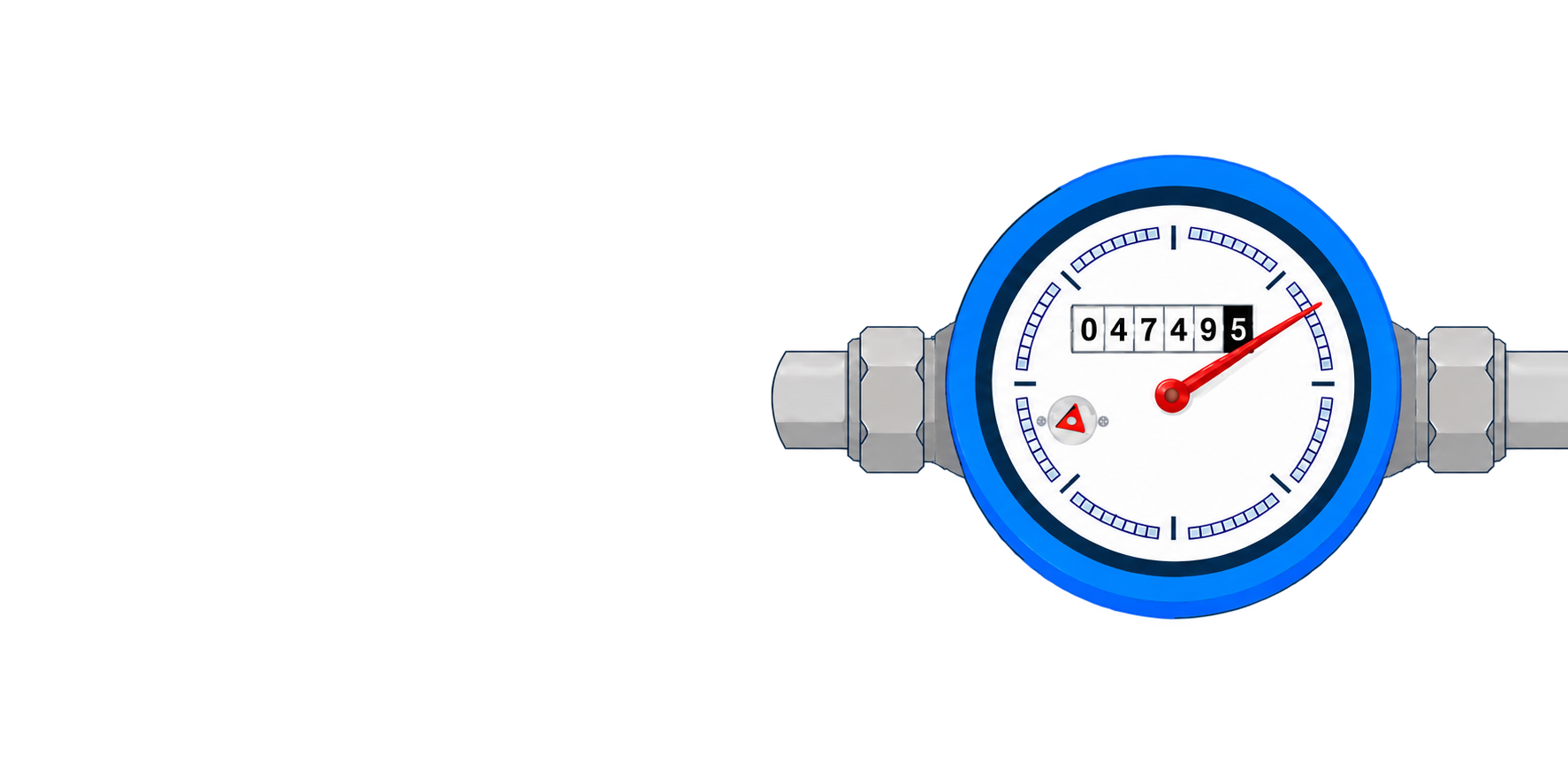
For Toronto Residents
Toronto water meter not reporting?
The City is asking residents to manually report water use for failed transmitters. FlowLens helps you read and log your meter to avoid surprise estimated water bills.
Reading your water meter shouldn't be complicated.
Small dials, moving hands, and unfamiliar meter designs can make it hard to know which numbers matter. FlowLens helps turn a meter photo into a clear, saved reading.
When your city asks for a meter reading, FlowLens helps.
Sometimes automated meter reading is unavailable or needs a manual confirmation. When you receive a request to read and report your meter, FlowLens helps you capture the reading and keep a record with confidence.
Before
Take a photo before watering the lawn or filling the pool.
After
Take another photo and see the water used and its estimated cost based on your local rates.
How much did that use?
From irrigation to a pool fill, FlowLens makes it easy to measure the water used by the things you care about and understand what they may be costing you.
Stay ahead of your water bill.
Water bills can arrive only every few months, making an unexpected increase frustrating and hard to explain. Take occasional readings to follow your usage between bills and avoid surprises.
Spot unusual water use early.
A slow, constant leak can quietly add up. Recording readings regularly can help reveal water use that continues when you would expect it to stop, giving you a reason to investigate before the next bill arrives.
FlowLens is learning the world's water meters.
We are building a growing list of meter models FlowLens can read and models it is actively learning. If your meter is not recognized yet, you can help FlowLens learn it by taking a few photos.
Meter support